Manage users
Open Admin Panel → Users to manage everyone in your domain.
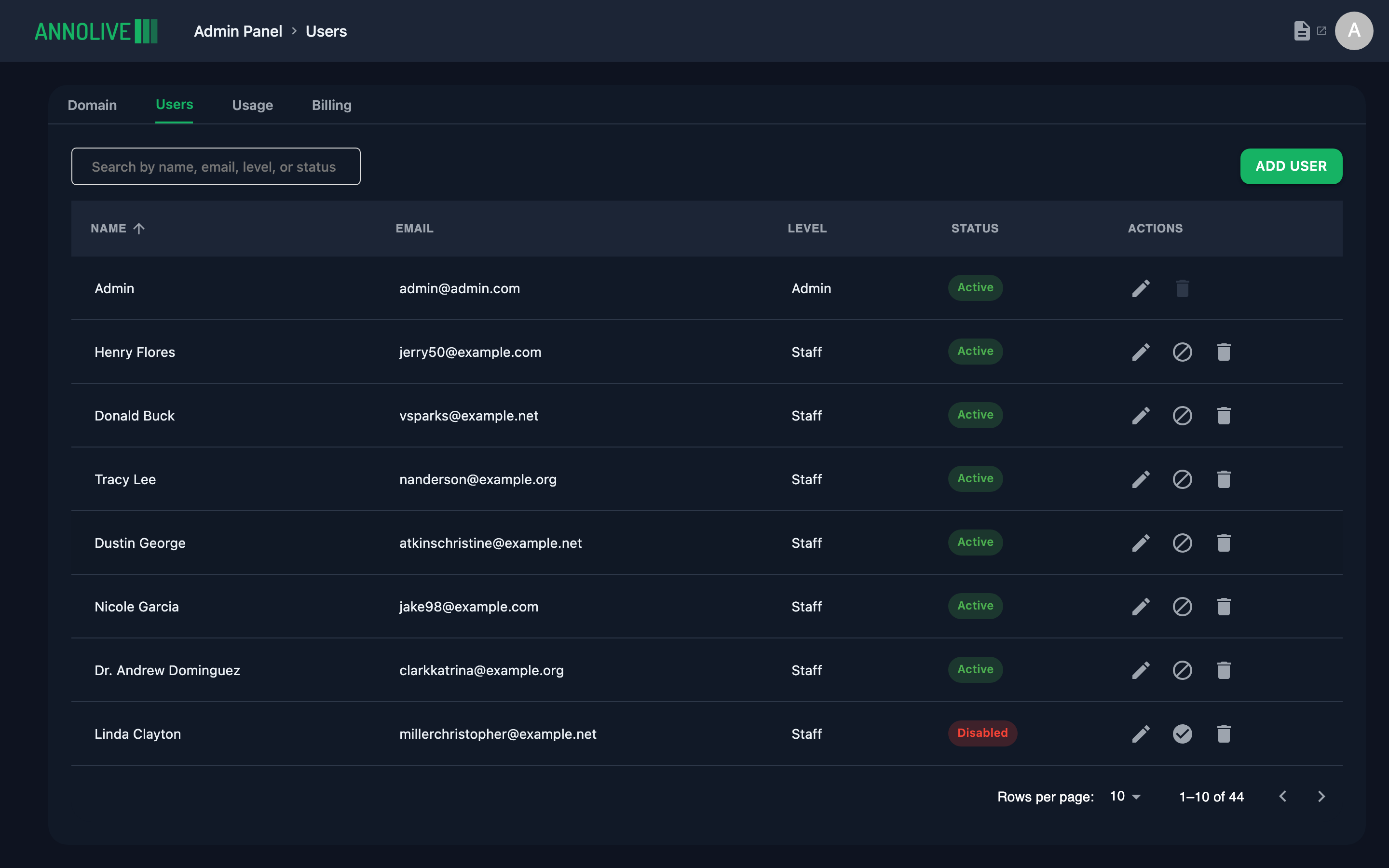
User list
The table shows Name, Email, Level, Status, and Actions. Status includes Active, Pending activation, Disabled, and Inactive.
Common actions
| Action | What it does |
|---|---|
| Add user | Invite a user with email and domain level (Admin, Staff, or External) |
| Edit | Update name and level |
| Reset password | Send or set a password reset for the user |
| Disable / Enable | Temporarily block or restore sign-in |
| Delete | Remove the user from the domain (when available) |
Domain levels control organization-wide powers. Project roles (admin, annotator, reviewer, guest) are assigned per project on the project Overview Users tab. See Permissions.