Admin overview
Domain Admin users open the Admin panel from the avatar menu (Admin Panel), or go to /admin.
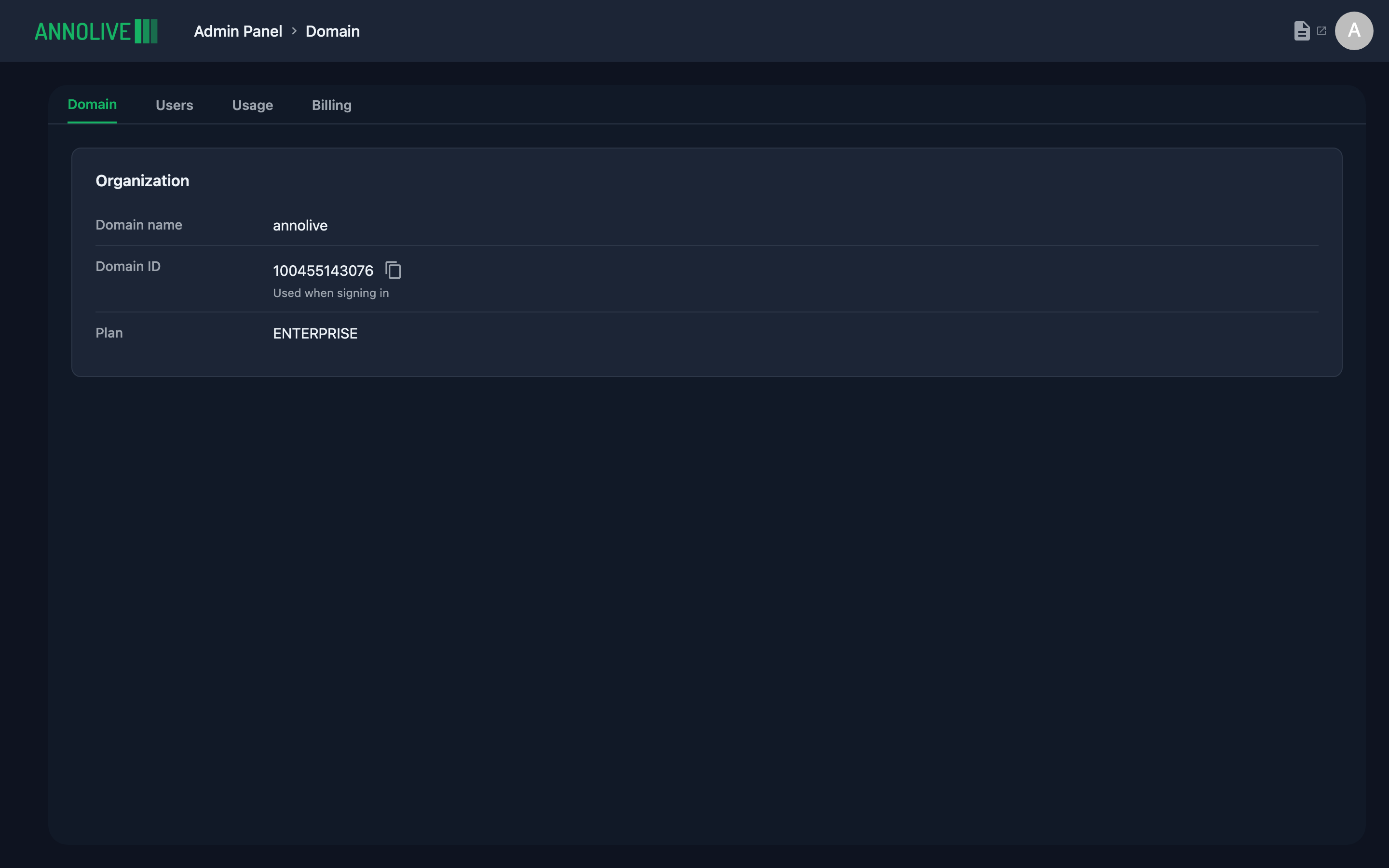
Tabs by deployment
| Tab | Cloud | On-premise | Purpose |
|---|---|---|---|
| Domain | Yes | Yes | Organization name, Domain ID, plan |
| Users | Yes | Yes | Invite and manage users |
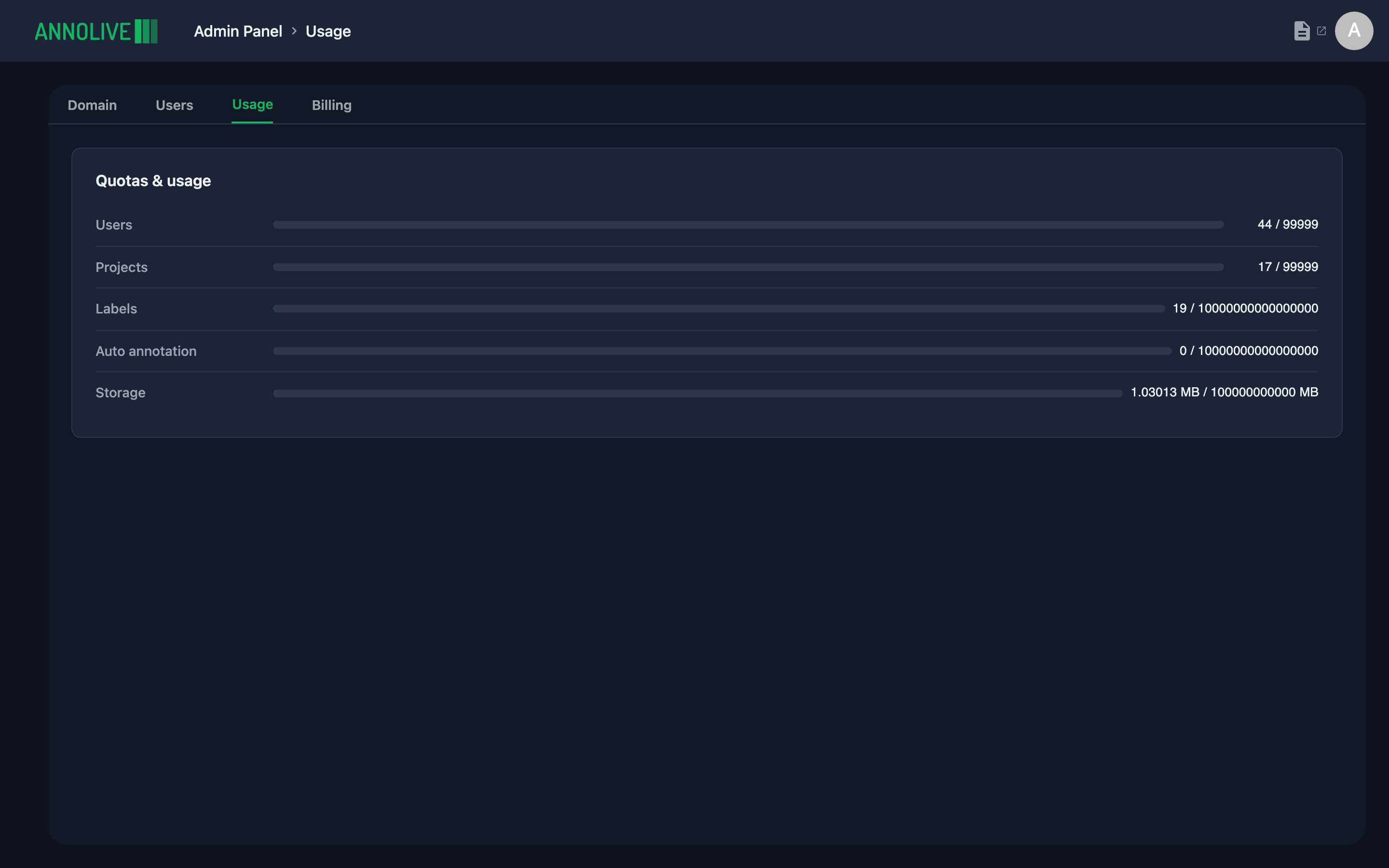
| Usage | Yes | Yes | Usage against plan limits |
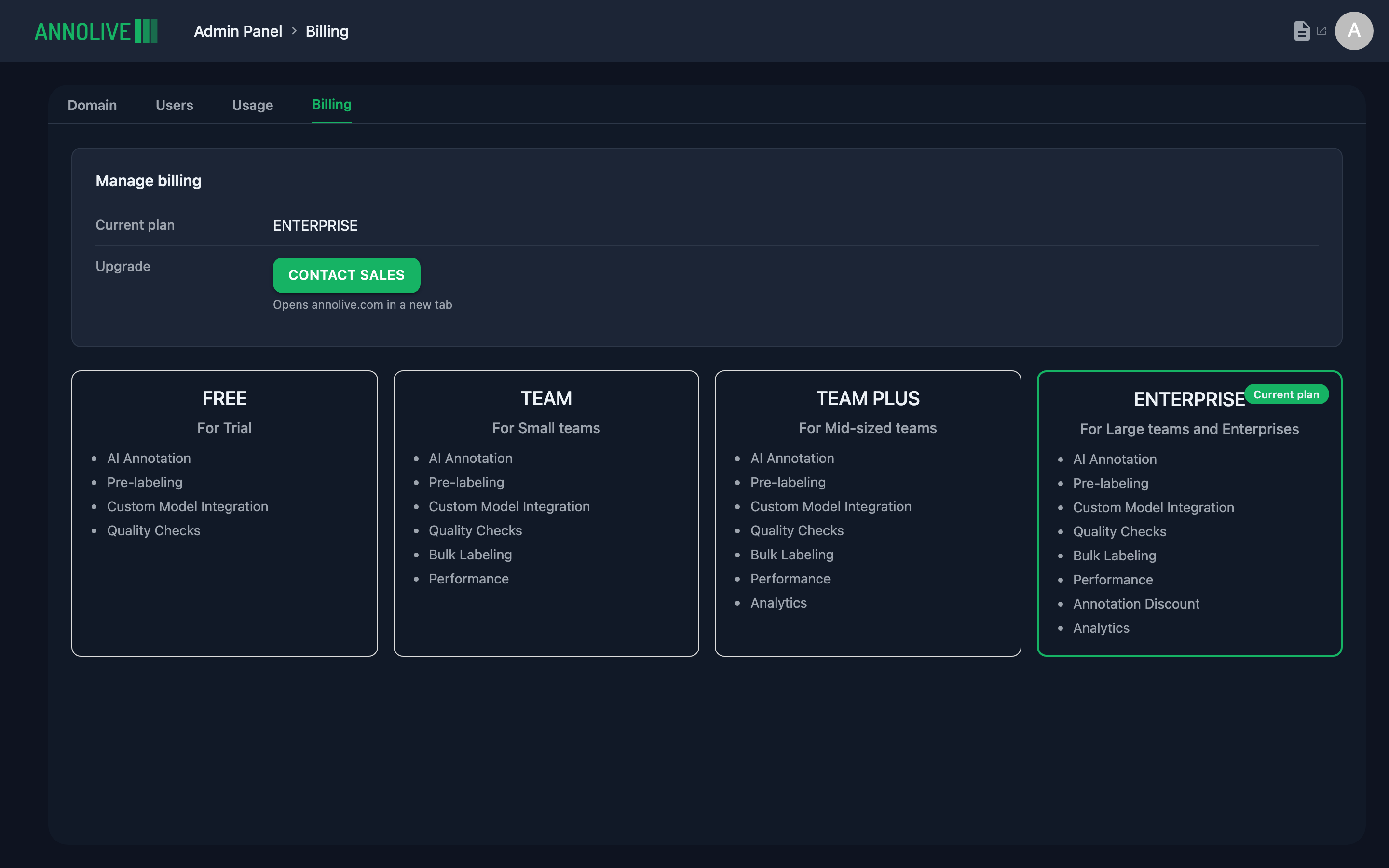
| Billing | Yes | No | Plans and contact for upgrades |
| License | No | Yes | License status for on-prem installs |
Staff and External users see Admin access required if they open Admin.
Domain tab
Shows:
- Domain name — organization display name
- Domain ID — required at sign-in on cloud (copyable); helper text: “Used when signing in”
- Plan — current subscription plan (for example Free, Team, Enterprise)
Usage tab
Usage shows quotas and consumption (users, projects, labels, auto annotation, storage). On cloud, limits follow your plan; on-premise may show counts without the same plan caps.
Billing tab (cloud)
Billing shows the current plan, plan cards (for example Free, Team, Team Plus, Enterprise), and Contact Sales for upgrades.
License tab (on-premise)
On-premise installs show License instead of Billing: license status, expiry, and contact information for renewals.