Profile
Open Profile from the avatar menu (top right), or go to /profile.
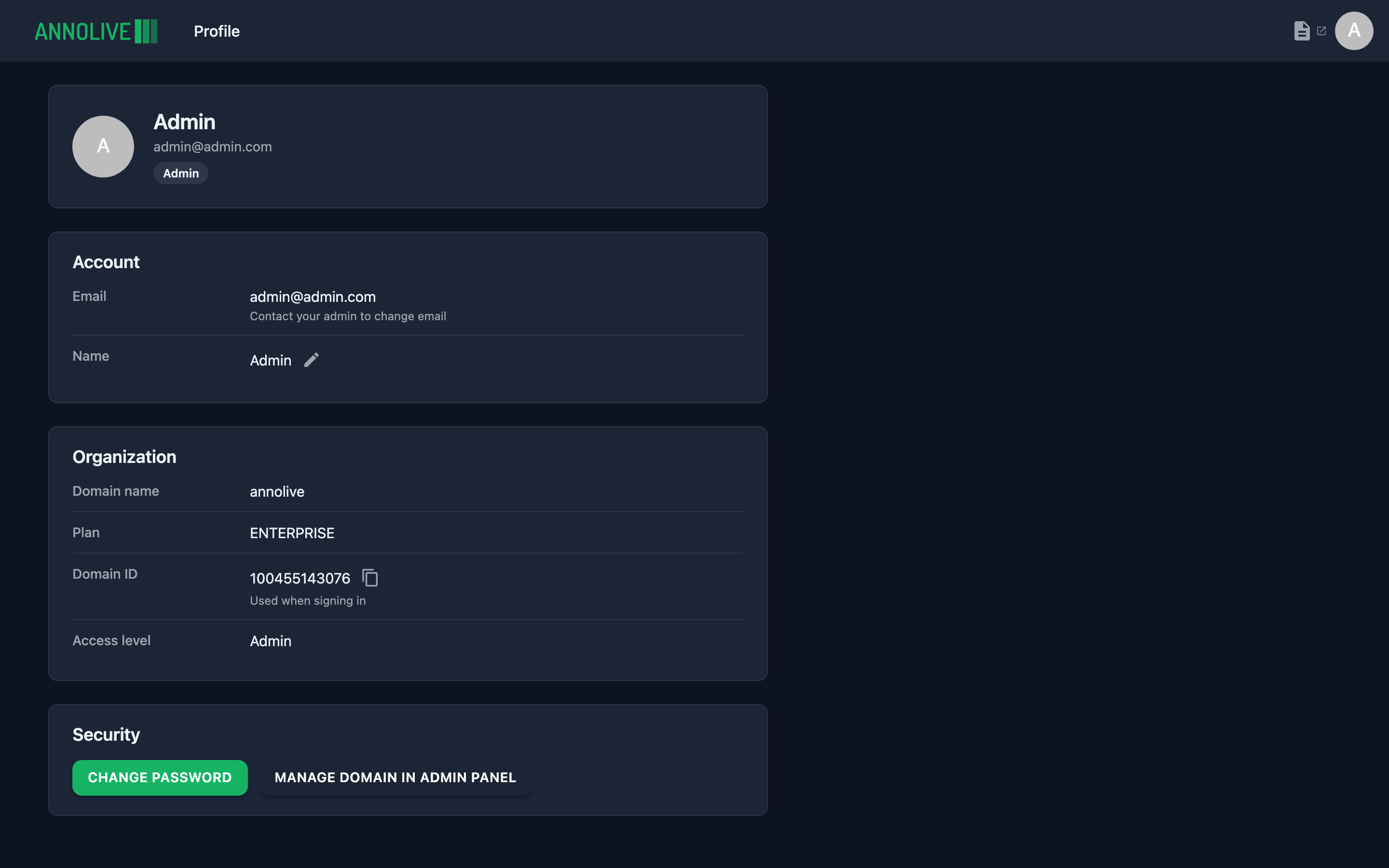
Account
- Email — shown read-only (contact an admin to change it)
- Name — editable inline
Organization
- Domain name
- Plan
- Domain ID — used when signing in on cloud; copyable
- Access level — domain level (Admin, Staff, or External)
Security
- Change password — opens the reset-password flow
- Manage domain in Admin Panel — domain admins only; opens Billing (cloud) or License (on-premise)
See Permissions for how domain levels differ from project roles.