Projects home
After sign-in you land on /projects. Domain admins see Add Project; everyone sees the projects they can access.
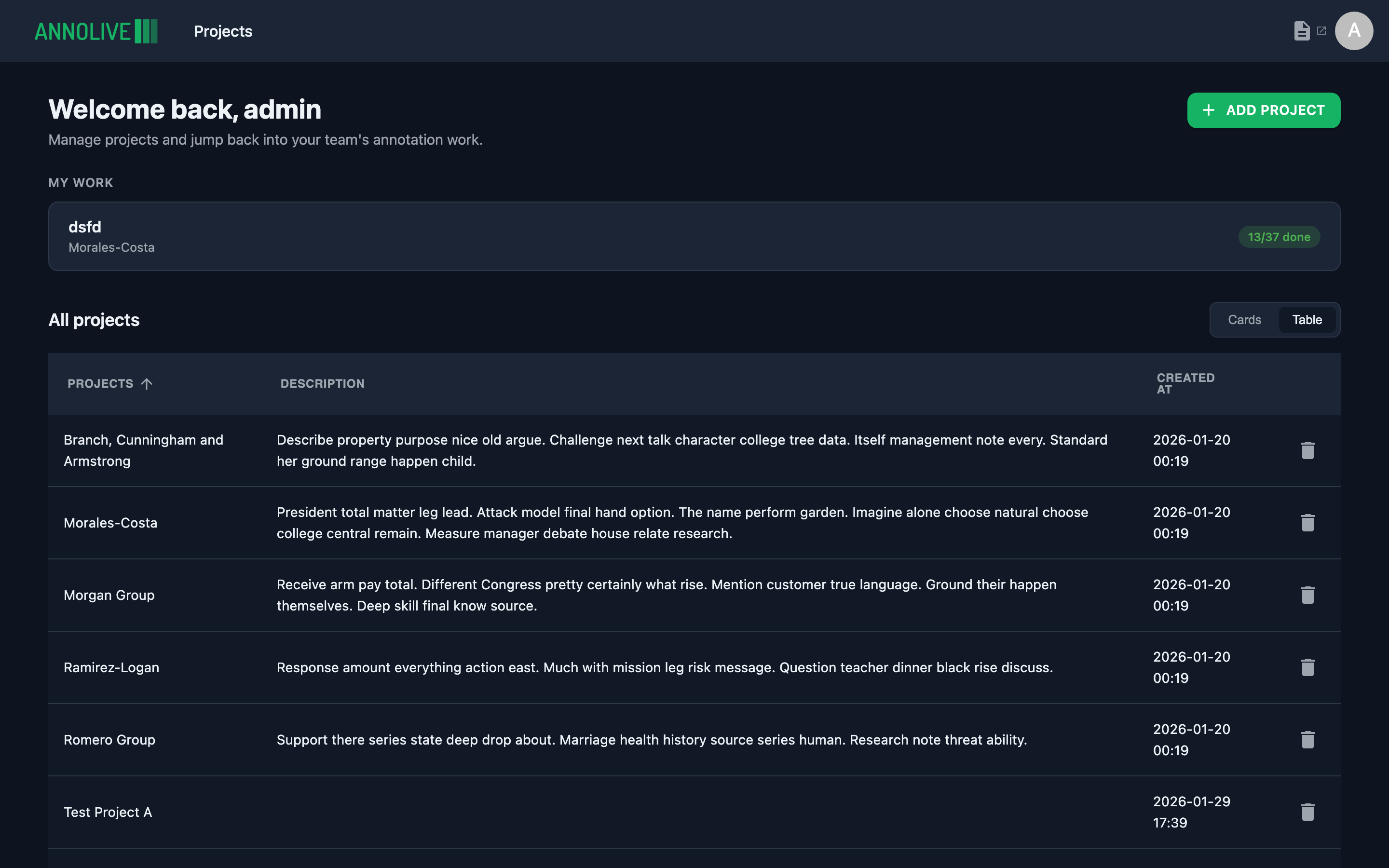
Welcome back
The header greets you by first name. Domain admins can click Add Project to start creating a project.
Continue where you left off
If you recently opened a project or task, Continue where you left off offers a Continue shortcut back to that workspace.
My work
My work lists in-progress tasks assigned to you. Open a row to jump into labeling, review, or QC.
All projects
Below that, All projects lists every project you can open. Switch between cards and table views. Click a project to open its Overview.
Empty states differ for staff/external users (no projects yet) versus admins (prompt to create the first project).